What is Resume? Definition, Sections, Formats, Writing Steps, Skills, Templates
A resume is the single most important document in your job search. It is the first thing a recruiter sees, the first filter you have to pass, and in most cases, the only chance you get to make an impression before someone decides whether to call you.
But writing a strong resume is not just about listing your jobs and education. It is about understanding what hiring managers look for, how ATS systems scan and filter applications, which format presents your background most effectively, and how to turn your experience into a compelling case for why you are the right person for the role.
This guide covers everything you need to know. You will learn what a resume actually is and how it differs from a CV. You will understand what ATS-friendly means and why it matters in a job market where 97.8% of Fortune 500 companies use automated screening software. You will know exactly which sections to include, what properties each section requires, and how to write achievement-based content that gets results.
The guide also walks you through all three resume formats, explains which skills belong on your resume and how to categorize them, and gives you an 11-step writing process that takes you from a blank page to a polished, tailored document ready to send.
Whether you are writing your first resume, returning to the job market after a gap, or refining a document you have used for years, this guide gives you the knowledge and the tools to do it right. Zenvy CV puts all of it into practice so you can build, tailor, and export a professional resume in one place.
What is a Resume?
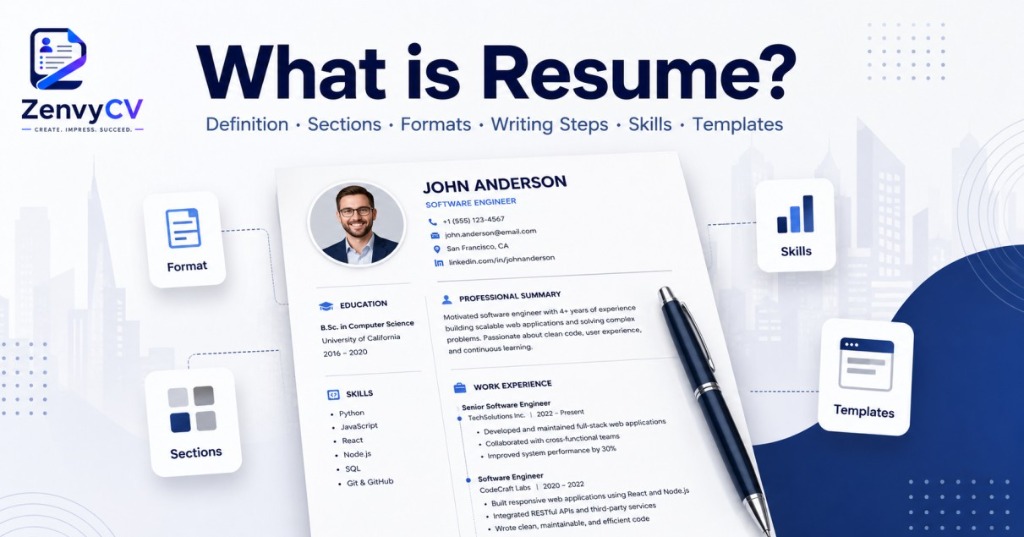
A resume is a one-to-two page document that summarizes your work experience, education, and skills for a potential employer. Its purpose is simple: to get you an interview.
A strong resume answers three questions for the hiring manager: Who are you? What have you done? Why should we call you?
The competition is real. There are around 250 applicants for every corporate job posting, and only 2 to 3% of sent resumes actually result in an interview. Your resume is the first filter, and in most cases, it is the only chance you get.
What is an ATS-Friendly Resume?
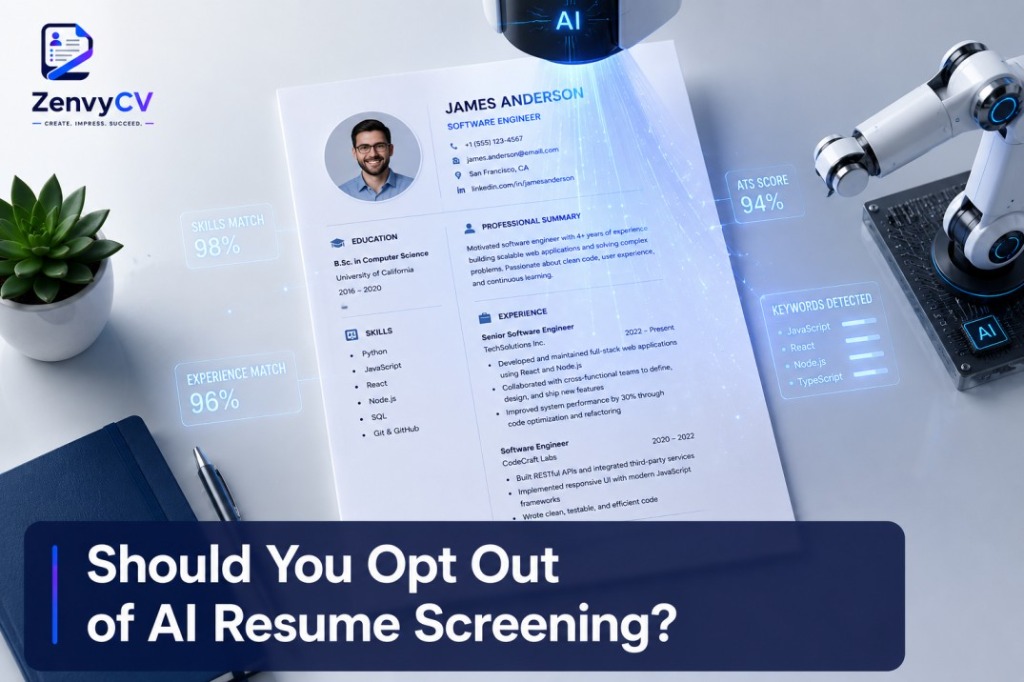
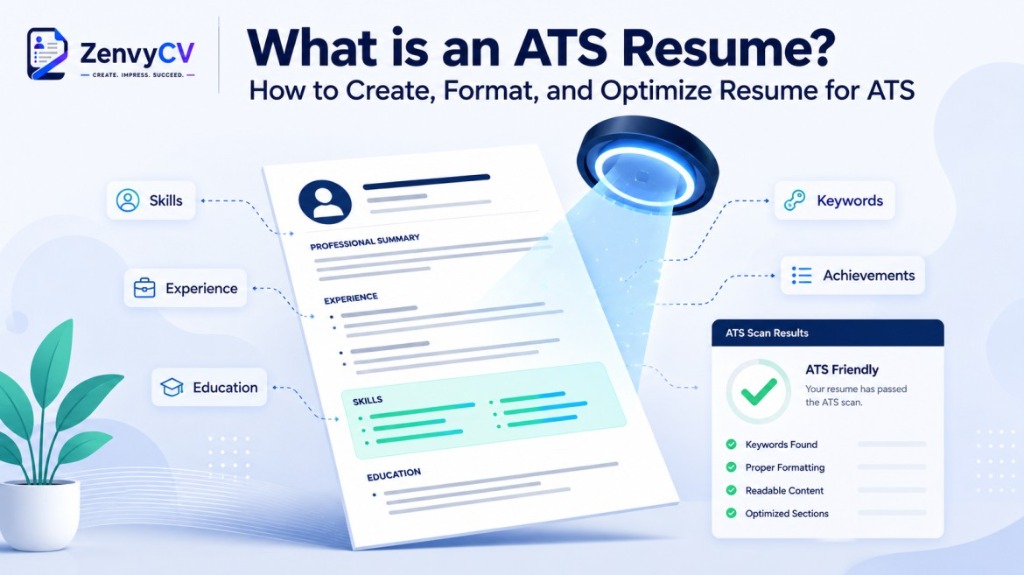
ATS stands for Applicant Tracking System. Most companies use ATS software to automatically scan and filter resumes before a human ever reads them. In 2025, 97.8% of Fortune 500 companies use a detectable ATS. If you are applying to a large company, your resume will almost certainly be processed by one before any human sees it. To dive deeper, read our complete guide on AI Resume Screening and how to beat automated filters.
A staggering 75% of resumes never reach human eyes because they fail to pass ATS keyword checks. An ATS-friendly resume uses standard formatting, recognizable section headings, and relevant keywords so the software can parse it correctly. Fancy tables, graphics, and unusual fonts often break ATS parsing and get your resume rejected before anyone sees it.
- Use standard fonts like Inter or Roboto for modern roles, or Merriweather and Lora for classic and elegant styles
- Avoid text boxes, columns, and embedded images
- Use clear headings like "Work Experience" and "Education"
- Mirror keywords from the job description naturally throughout your content
Zenvy CV handles all of this automatically. Every template in Zenvy CV is built to pass ATS parsing cleanly, so you never have to worry about formatting breaking your application behind the scenes.
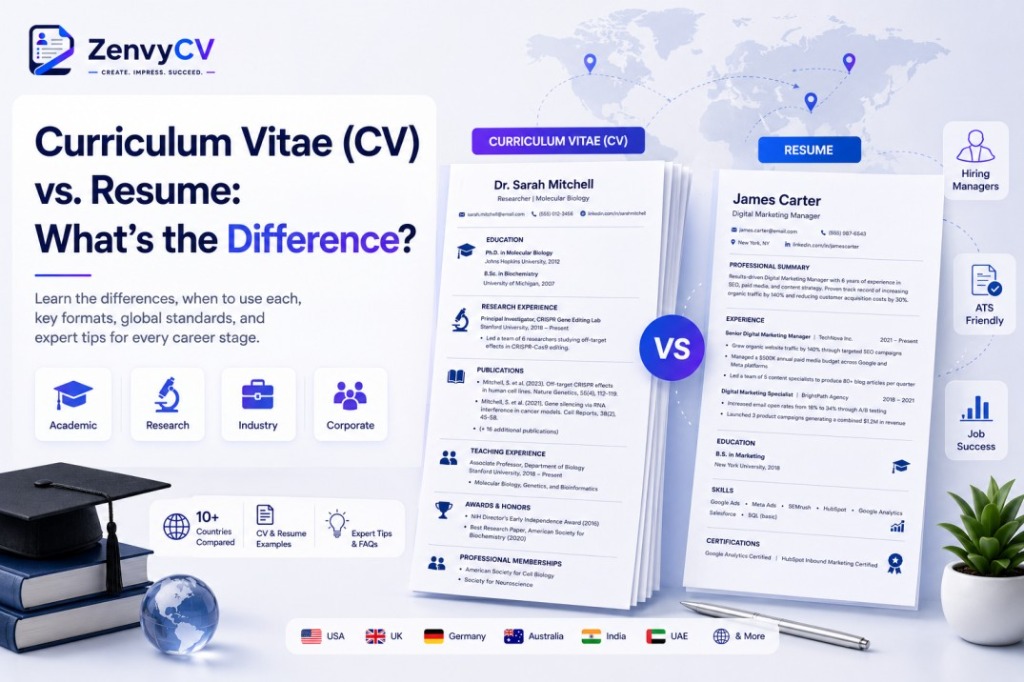
What Is the Difference Between a CV and a Resume?
📄 Resume
A resume is short, tailored, and used primarily for job applications in the US, Canada, and Australia. Best for corporate jobs.
📚 CV (Curriculum Vitae)
A comprehensive academic record used in Europe, academia, and research fields with no strict page limit. Best for university positions or fellowships.
If you are applying for a corporate job, you need a resume. If you are applying for a university position, fellowship, or research role, you likely need a CV. Zenvy CV supports both formats, so you can build the right document for the right opportunity.
What Should You Include in a Resume?
A resume has required sections that every hiring manager expects to see, and optional sections you add only when they strengthen your case. Getting this structure right is the foundation of a resume that reads clearly and gets results.
📱 Contact Information
Always first. Include full name, professional email, phone, LinkedIn, and portfolio. In 2024, 33% of resumes missed a LinkedIn profile.
🎯 Professional Summary
Directly below contact info. A 2-3 sentence snapshot of your experience, top skills, and value. Write it last.
💼 Work Experience
The most important section. Reverse chronological. Job title, company, location, dates. Use bullet points with action verbs and numbers.
🛠️ Skills
Group logically: technical, tools, languages, and soft skills. Over 40% of recruiters say applicants lack soft skills.
🎓 Education
Highest degree first. Degree name, institution, year, and GPA (only if >3.5 or recent grad).
➕ Optional Sections
Certifications, Projects, Languages, and Volunteer work. Add only when they strengthen your specific application.
Resumes that include hard metrics can have as much as a 40% higher chance of earning an interview. Despite this, only 8% of resumes use numerical data. That gap is your advantage.
Weak example: "Responsible for sales and onboarding."
Good example: "Increased monthly sales by 34% by redesigning the client onboarding process."
Zenvy CV includes all of these sections as ready-to-fill blocks. You simply choose which sections to include, drag to reorder them, and fill in your details.
What are the Three Types of Resume Format?
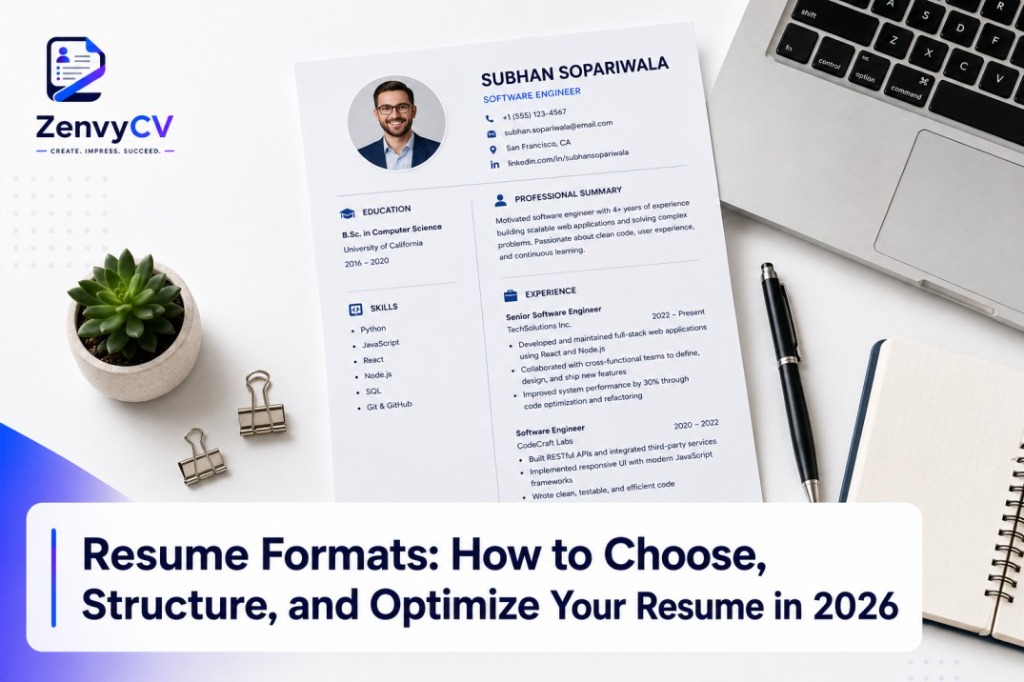
The three types of resume format are listed below. For a deep dive into choosing the right one, check out our full guide on Resume Formats:
Chronological Resume
Lists work experience from most recent to oldest. It is the most widely used and accepted format. Recruiters prefer it because it makes your career progression easy to follow.
Functional Resume
Focuses on skills rather than a timeline of jobs. It is often used by people with employment gaps or those changing careers entirely. However, many recruiters and ATS systems distrust it, so use it carefully.
Combination Resume
Also called a hybrid, it leads with a skills summary followed by a chronological work history. It works well for experienced professionals making a lateral move or transitioning into a new industry.
What is the Best Resume Format?
For most job seekers, the chronological format is the safest and most effective choice. Recruiters are familiar with it, ATS systems process it cleanly, and it tells a clear professional story.
Use a functional or combination format only if your situation genuinely calls for it, not just to hide gaps. A gap is better addressed with a brief honest note than by obscuring your timeline.
Zenvy CV offers all three formats as selectable layouts. You can switch between them without losing your content, so you can test which one presents your background most effectively before you download.
How To Write a Professional Resume?
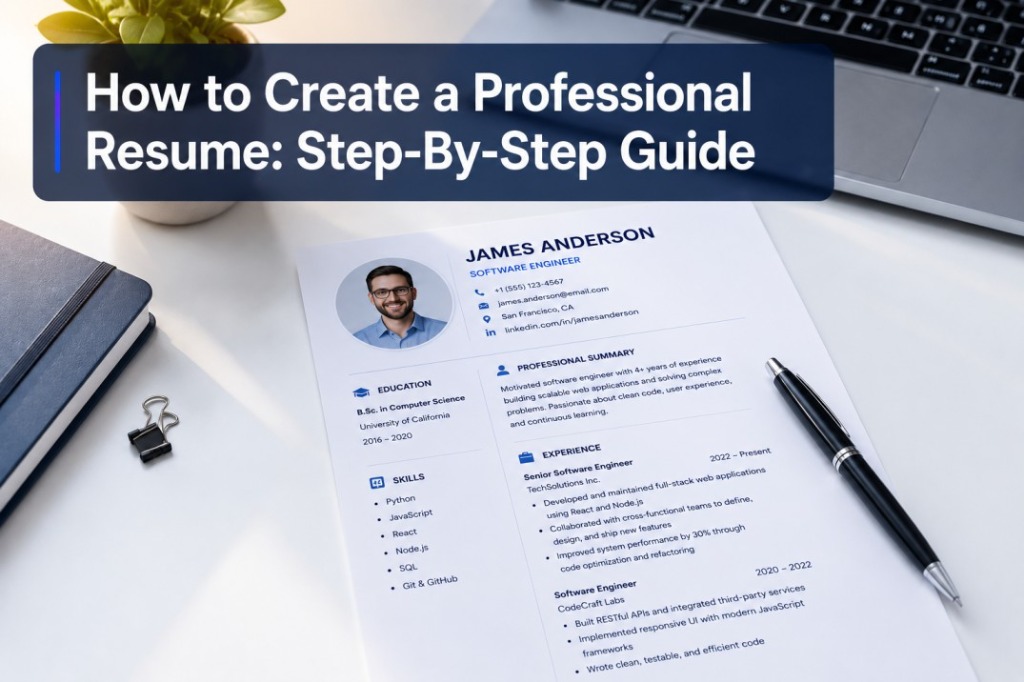
Writing a professional resume is not about listing every job you have ever had. It is about presenting your experience, skills, and value in a way that makes a recruiter stop and say "let's call this person." Here is exactly how to do that, step by step. For an in-depth walkthrough, you can also read our comprehensive guide on How to Create and Write a Professional Resume.
Research the Role Before You Write Anything
Before you write a single word, read the job description carefully. Identify the exact skills, qualifications, and language the employer uses. 83% of recruiters are more likely to hire candidates who tailored their resume to the specific job. Ask yourself: What does this employer need? Which parts of my background match? What proof do I have?
Choose the Right Resume Format
Chronological is the most accepted (recent to oldest). Functional focuses on skills but is often distrusted by ATS. Combination opens with skills then history (good for career changers). When in doubt, choose chronological.
Set Up Your Contact Information
Include your full name, professional email, phone number, LinkedIn URL, and portfolio if relevant. Add your city and country. Avoid unprofessional emails or missing LinkedIn profiles.
Write Your Work Experience Section
List roles in reverse chronological order. Write achievement bullets using this formula: Action verb + task + measurable result. Example: "Grew Instagram following from 4,200 to 31,000 in 8 months by launching a weekly video series." Use numbers wherever you can.
Build a Strong Skills Section
Organize skills into groups: Technical, Soft, Industry, and Tools. Only list skills you can genuinely discuss in an interview. 64.8% of employers now use skills-based hiring practices.
Write Your Education Section
List highest degree first. Include degree name, institution, year, and GPA only if >3.5 or you're a recent grad. If graduated over 10 years ago, keep it brief.
Add Optional Sections
Add Certifications, Projects, Languages, or Volunteer work only if they add genuine value for the specific role.
Write Your Professional Summary Last
Write a 2-3 sentence summary answering: who you are, what you're best at, and what you bring to the role. Be specific and quantified.
Tailor the Resume for Every Application
Tailored applications get a 78% higher response rate. Adjust your summary, reorder skills to match keywords, and move the most relevant experience bullets to the top.
Format for Readability and ATS Compatibility
Use fonts like Inter or Roboto. Keep body text between 10-12pt. Use clean layouts, sufficient whitespace, and standard headers ("Work Experience"). Save as PDF.
Proofread Until It Is Perfect
Read out loud, read backwards, use a spell checker, check dates, and ask a friend to review. A single typo can cost you an interview.
Which Skills Should You Put on a Resume?
Skills on a resume fall into four categories.
⚙️ Technical Skills
Specific, measurable abilities tied to a field (e.g., Python, financial modeling, Adobe Photoshop).
💬 Soft Skills
Interpersonal and behavioral traits (e.g., communication, leadership). Demonstrate them in experience bullets.
🏢 Industry Skills
Domain-specific competencies (e.g., SEO for marketing, EHR systems for nursing).
🛠️ Tools & Technologies
Software and platforms you use (e.g., Salesforce, Figma, Google Analytics).
Only include skills that are relevant to the role and that you can back up in an interview. 64.8% of employers are now using skills-based hiring practices, so a well-built skills section carries more weight today than it did even a few years ago.
How Long Should a Resume Be?
For most professionals with under 10 years of experience, one page is the standard. For senior professionals, executives, or those with extensive publication or project lists, two pages is acceptable. Recruiters are 2.9 times more likely to choose a two-page resume for managerial positions, and 1.4 times more likely for entry-level positions.
A simple rule: every line on your resume should earn its place. If removing something does not weaken your case, remove it. Zenvy CV shows you a live page preview as you write, so you always know exactly how much space you are using.
How Do You Write a Resume With No Experience?
Focus on what you do have. Relevant coursework, academic projects, volunteer work, internships, part-time jobs, and extracurricular leadership all count.
Structure your resume with education at the top, followed by projects or volunteer experience, then skills. Use your professional summary to frame your potential and enthusiasm rather than apologize for a short history.
A targeted skills section and two or three strong project descriptions can make a no-experience resume genuinely competitive. Zenvy CV includes a dedicated student and entry-level template designed specifically for this situation, with section prompts that guide you on what to write.
What Makes a Good Resume Template?
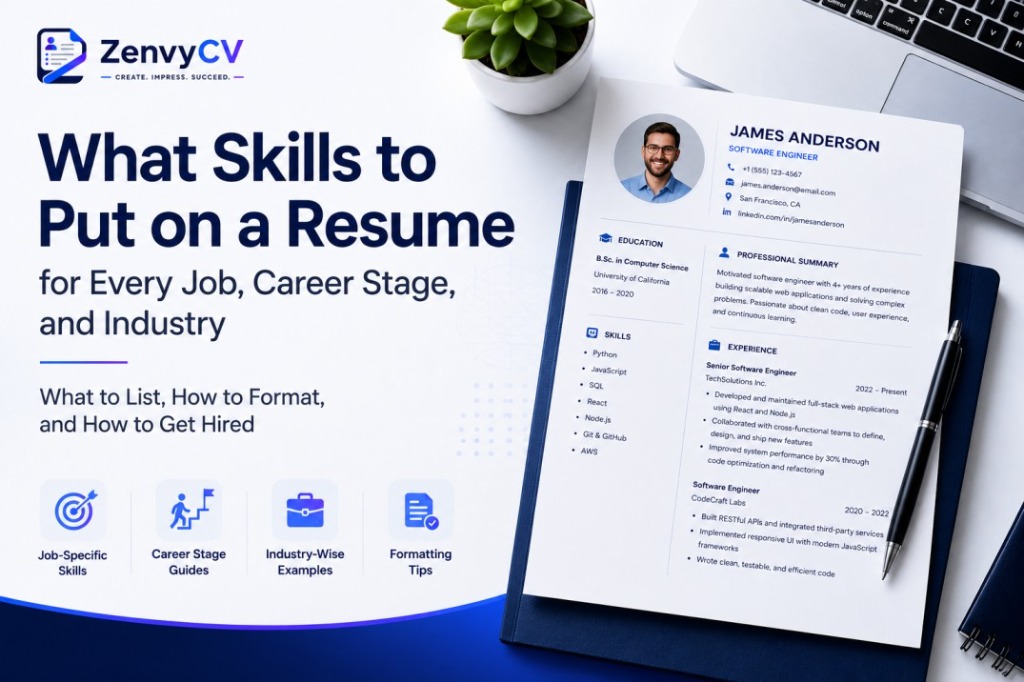
A good template is clean, readable, and ATS-compatible. Resumes that succeed in capturing recruiter attention feature simple layouts with clear sections and heading titles. Resumes with cluttered layouts, a lack of white space, multiple columns, and long sentences perform significantly worse.
Choose a font that matches the tone of your industry. Inter and Roboto work well for tech, business, and corporate roles. Merriweather and Lora suit law, academia, finance, and creative fields where a more refined look is expected.
Avoid templates with profile photos, colorful sidebars, and decorative icons unless you are in a creative field where design itself is part of the job. A striking 88% of resumes are rejected due to including a photo, so keep it clean and professional by default.
All Zenvy CV templates are designed with these principles built in. You pick the style, choose your font, and the layout handles everything else. The best template is one that stays out of the way and lets your content do the work.
Resume Examples
Resume examples serve as practical references, not templates to copy word-for-word. Looking at examples in your specific field helps you understand what hiring managers in that industry expect to see.
Useful resume examples to look for:
- Entry-level resume with no experience
- Software engineer resume
- Marketing professional resume
- Career change resume
- Executive or senior leadership resume
- Student or recent graduate resume
When reviewing examples, pay attention to how achievements are phrased, how sections are ordered, and how much detail each role includes at different career levels. Zenvy CV includes a built-in example library across all major industries and experience levels, so you can reference real samples directly inside the builder while you write.
FAQs About Resume
Should a resume be one page?
For most people with fewer than 10 years of experience, yes. Quality always beats quantity. A tight one-page resume reads better than a padded two-page one. Zenvy CV's live page preview makes it easy to trim your content to fit cleanly on one page without guessing.
What font should I use?
Use clean, professional fonts. Zenvy CV offers four curated options: Inter for a modern look, Roboto for a clean and neutral style, Merriweather for a classic feel, and Lora for an elegant, editorial tone. All four are ATS-safe and professionally tested.
Can I use colors in my resume?
A single subtle accent color used sparingly is generally acceptable. Avoid multiple colors, bright shades, or color as a structural element, since ATS systems may not render it correctly. Zenvy CV's color system uses professionally tested accent palettes so you stay within safe, recruiter-approved limits.
Are resume templates ATS-friendly?
Not all of them. Templates from word processors like Microsoft Word are usually safe. Templates built with heavy design tools, multiple columns, or graphics-heavy layouts often fail ATS parsing. Zenvy CV templates are built with ATS compatibility in mind, so every template passes parsing cleanly without sacrificing design quality.
Should I include hobbies?
Only if they are genuinely relevant to the role or reveal a meaningful quality. A software developer listing open-source contributions adds value. Listing "watching Netflix" does not.
How often should I update my resume?
Update it every time you complete a significant project, earn a promotion, gain a new skill, or change jobs. Do not wait until you are job hunting to start from scratch. Around 10% of job seekers have applied for 50 or more jobs without hearing back. A well-maintained, up-to-date resume dramatically reduces the chances of falling into that group. Keeping your Zenvy CV account updated means your resume is always ready to send, even when you are not actively looking.